SW0702-E Installation Guide
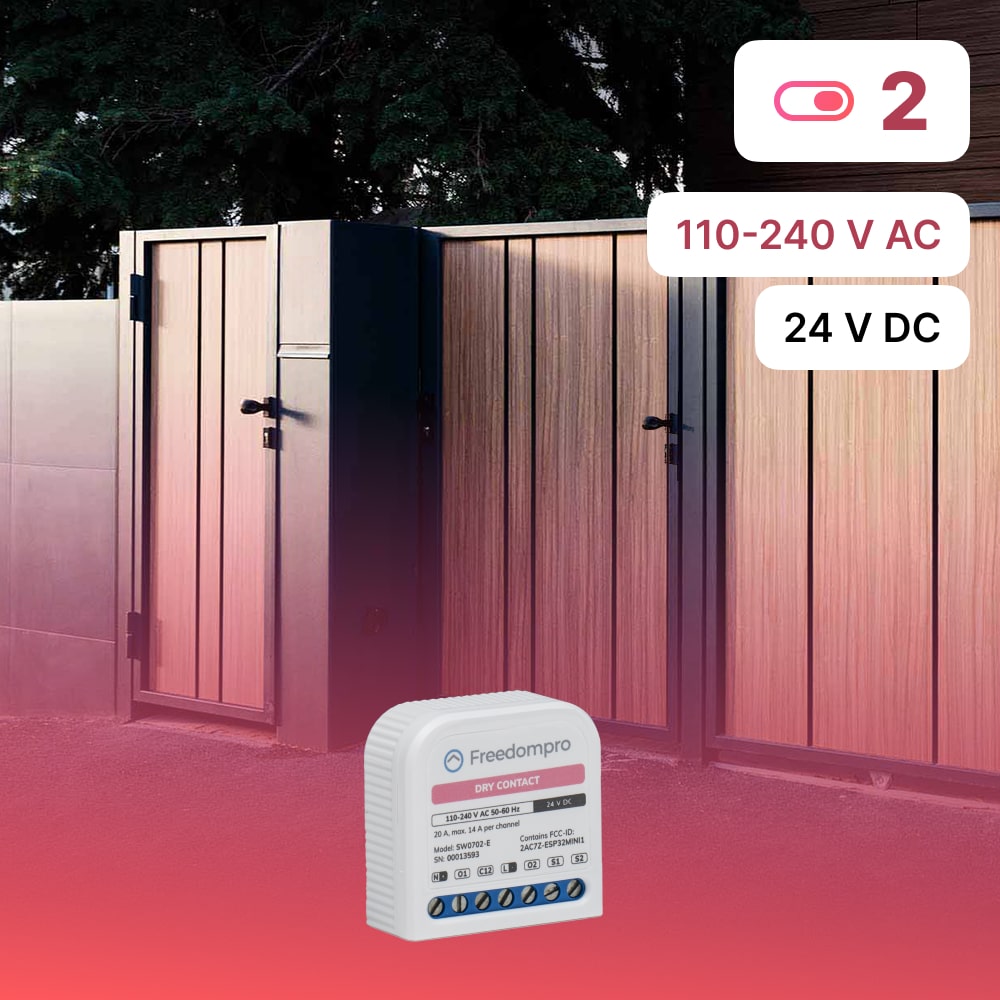
Smart WiFi Switch Module for 2 Dry Contacts SW0702‑E
The SW0702‑E is the ultra-compact WiFi module designed to make the control of 2 clean contacts, such as gates, garages, alarm systems, pumps or irrigation, smart, with an app, voice or physical buttons. It can be easily installed in the flush-mounted box, without modifying the electrical system.
This model is compatible with: traditional switches/buttons, Alexa, Google Home, Apple HomeKit and Home Assistant, and allows you to manage your home wherever you are, even remotely. Control is always available even offline via physical buttons
Technical Features
| Model | SW0702-E |
| Dimensions | 18 x 42.3 x 41.5 mm |
| Installation | Flush-mounted box 502/503 |
| Diet | 110–240V AC, 24V DC or 24V +5% -15% DC |
| Absorption | < 1.2W |
| Maximum current | 14A per channel max, 20A total |
| Wi-Fi | IEEE 802.11 b/g/n (2.4GHz) |
| Certifications | Matter, CE, HomeKit, Google, Alexa, Home Assistant |
| Consumption monitoring | Yes, in real time |
| Operating temperature | from -5°C to +45°C |
How to install
- Turn off the electricity first.
- Place the SW0702‑E module in the box behind the switch or button.
- Connect the two clean contact loads: terminals O1 and O2, with common on C12 as shown in the diagram provided.
- Connect the buttons/switches to the corresponding inputs S1/S2.
- Connect the power wires (phase and neutral or (+/–) to the module.
- Reconnect power and verify that the status LED is on.
- Set up the module via the Freedompro Home app by following the wizard.
Notes:
The module should be connected directly to the pulse generator, such as a motor or a lock, and also to the physical buttons, if present.
The power supply of the load connected to the dry contact can be different from that of the module, but must be the same for both channels of the dry contact.
Tip: If you are inexperienced with electrical systems, hire a qualified professional.